
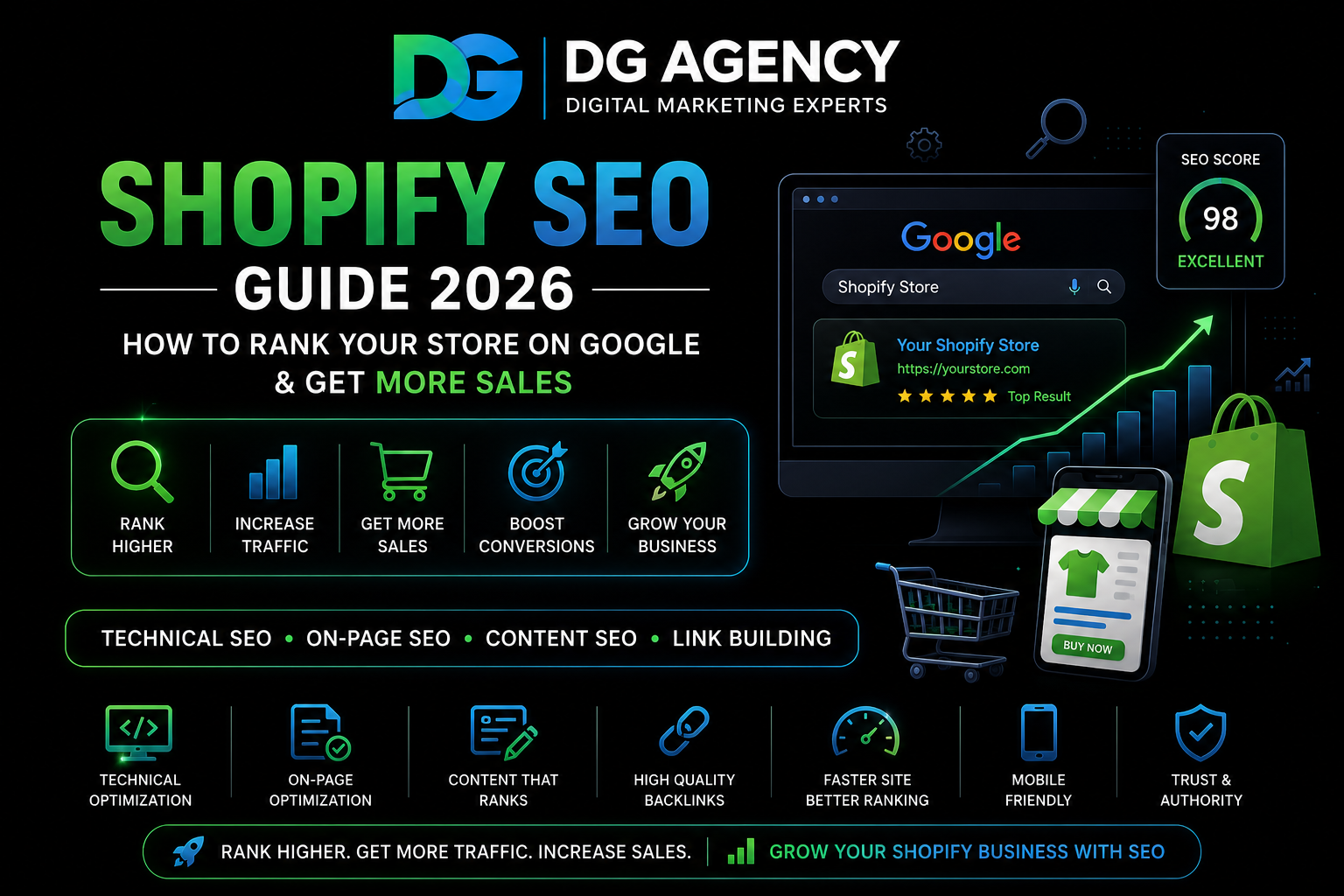
Running a Shopify store in 2026 is exciting, but getting customers to find your products on Google can feel like a mystery. You have great products, beautiful images, and competitive prices—but if people can’t find your store when they search, you’re missing out on hundreds or even thousands of potential customers.
The good news? Shopify SEO (Search Engine Optimization) can help your store appear higher in Google search results without paying for ads. This complete guide will show you exactly how to optimize your Shopify store so more people find your products, visit your site, and buy from you.
What is Shopify SEO and Why Does It Matter?
Shopify SEO means making your online store easier for search engines like Google to understand and rank. When someone searches for products you sell, good SEO helps your store show up on the first page of results—where most people click.
Think about your own shopping habits. When you search for “organic coffee beans” or “wireless headphones under 5000,” do you scroll past page one? Probably not. Most shoppers click on results from the first page, which is why ranking high matters so much.
Unlike paid ads that stop bringing traffic the moment you stop paying, SEO for Shopify stores builds long-term organic traffic. Once you rank well, you continue getting visitors month after month without ongoing ad costs.
Is Shopify Good for SEO?
Absolutely! Shopify is one of the best e-commerce platforms for SEO because it handles many technical requirements automatically. Here’s what Shopify does well:
- Mobile-friendly design: All Shopify themes work perfectly on phones and tablets, which Google loves
- Fast hosting: Shopify servers are optimized for speed worldwide
- SSL security: Your store automatically gets HTTPS, which Google requires for good rankings
- Automatic sitemaps: Shopify creates a sitemap that helps Google find all your pages
- Clean URL structure: Product and collection URLs are search-engine friendly by default
However, Shopify gives you the foundation—but you need to optimize your content, products, and technical settings to actually rank well. That’s what this guide teaches you.
Step-by-Step Shopify SEO Strategy for 2026
Follow these proven steps to improve your Shopify store’s search rankings and get more organic traffic:
1. Do Smart Keyword Research
Before optimizing anything, you need to know what people are actually searching for. Keyword research means finding the exact words and phrases potential customers type into Google when looking for products like yours.
Don’t just target obvious keywords like “shoes” or “coffee.” These are too competitive. Instead, focus on long-tail keywords—longer, more specific phrases that show buying intent:
| Generic Keyword | Better Long-Tail Keyword | Why It’s Better |
|---|---|---|
| Running shoes | Best running shoes for flat feet women | Shows specific need, less competition, and higher purchase intent. |
| Coffee beans | Organic medium roast coffee beans India | Targets location, quality preference, and ready-to-buy customers. |
| Yoga mat | Non-slip yoga mat for hot yoga | Targets a specific use case with strong buyer intent. |
2. Optimize Your Product Pages
Product pages are the heart of your Shopify store. Here’s how to optimize them for both search engines and customers:
Product Titles
Include your main keyword naturally in product titles. Be descriptive but concise:
- Bad: “Amazing Shirt”
- Good: “Men’s Organic Cotton T-Shirt – Navy Blue – Comfortable Everyday Wear”
Product Descriptions
Write unique, detailed descriptions for every product. Don’t copy manufacturer descriptions—Google penalizes duplicate content. Instead:
- Describe what makes the product special
- Explain who it’s for and what problems it solves
- Include your target keywords naturally (don’t stuff them)
- Use bullet points for features and benefits
- Write at least 300 words for important products
Image Optimization
Google can’t “see” images, so you need to help with:
- File names: Use descriptive names like “blue-yoga-mat-front-view.jpg” instead of “IMG_1234.jpg”
- Alt text: Describe the image for accessibility and SEO (e.g., “Woman using non-slip blue yoga mat in studio”)
- Compress images: Use tools to reduce file sizes without losing quality—faster loading = better rankings
3. Create SEO-Friendly Collection Pages
Collection pages (category pages) are powerful for ranking. Many stores ignore these, but they’re opportunities to target valuable keywords.
For each collection, write a unique description that includes:
- What the collection is about
- Who should shop this collection
- Benefits of products in this category
- Your target keywords naturally included
Add this text at the top or bottom of collection pages. Aim for 200-300 words minimum.
4. Fix Technical SEO Issues
Even if your content is perfect, technical problems can hurt your rankings. Here are the most important technical SEO factors for Shopify:
- Site speed: Slow stores rank lower. Use fewer apps, compress images, and choose a lightweight theme
- Mobile optimization: Test your store on different phones to ensure everything works smoothly
- Fix duplicate content: Shopify can create multiple URLs for the same product. Set up canonical tags to tell Google which version is the main one
- Submit sitemap: Go to Google Search Console and submit your sitemap at yourstore.com/sitemap.xml
- Create robots.txt: Make sure important pages aren’t blocked from Google
- Add structured data: Use schema markup to help Google understand your products better (ratings, prices, availability)
5. Build Internal Links
Internal linking means linking from one page on your site to another. This helps Google understand your site structure and spreads ranking power across pages.
Smart internal linking strategies:
- Link from blog posts to relevant product pages
- Add “related products” sections with actual links
- Link from product pages to relevant collections
- Create a helpful navigation menu structure
- Use descriptive anchor text (the clickable words) instead of “click here”
6. Start a Blog (Content Marketing)
Blogging is one of the best ways to attract organic traffic to your Shopify store. Create helpful content that answers customer questions and targets keywords you can’t fit on product pages.
Blog post ideas for e-commerce stores:
- How-to guides related to your products
- Product comparison articles
- Problem-solving content (“How to choose the right…”)
- Trend roundups in your industry
- Customer success stories and use cases
7. Get Quality Backlinks
Backlinks are links from other websites to your store. Google sees these as “votes of confidence”—the more quality sites linking to you, the more trustworthy you appear.
Ways to earn backlinks for your Shopify store:
- Create shareable content (infographics, research, ultimate guides)
- Reach out to bloggers and offer free products for reviews
- Get listed in industry directories
- Partner with complementary brands
- Create newsworthy products or campaigns that journalists want to cover
- Guest post on relevant blogs with links back to your store
Focus on quality over quantity. One link from a respected industry website beats 100 links from spammy directories.
8. Monitor and Improve
SEO for Shopify is not a one-time task—it’s ongoing. Set up these free tools to track your progress:
- Google Search Console: See which keywords you rank for, find technical issues, and track performance
- Google Analytics: Understand where traffic comes from and how visitors behave on your site
- Shopify Analytics: Track sales and conversions from organic search
Check these monthly and look for opportunities to improve. Which pages get traffic but don’t convert? Which keywords are you almost ranking for? What content should you create next?
Common Shopify SEO Mistakes to Avoid
Don’t let these common errors hurt your rankings:
- Ignoring meta descriptions: Write unique, compelling meta descriptions for every product and collection page
- Duplicate content: Never copy product descriptions from suppliers or other sites
- Too many apps: Each app you install can slow down your store—only keep essential ones
- Forgetting alt text: Every product image needs descriptive alt text
- Not using heading tags: Structure content with H1, H2, H3 tags properly
- Keyword stuffing: Use keywords naturally, not forced into every sentence
- Neglecting blog content: Product pages alone aren’t enough—you need helpful content too
How Long Does Shopify SEO Take to Work?
Be patient. SEO is a long-term strategy. You might see small improvements in 4-6 weeks, but significant ranking changes typically take 3-6 months of consistent effort.
The timeline depends on:
- How competitive your industry is
- Your current site authority
- How much effort you put into optimization
- The quality of your content and backlinks
Don’t give up after a few weeks. Stores that commit to SEO see compounding results—traffic grows month after month once you build momentum.
Ready to Boost Your Shopify Store’s Rankings?
Don’t let your competitors dominate Google while you struggle to get traffic. Our expert team at DGagency specializes in e-commerce SEO and has helped dozens of Shopify stores increase their organic traffic and sales.
Final Thoughts on Shopify SEO in 2026
Success with Shopify SEO comes down to three things: great content, solid technical foundations, and consistent effort. You don’t need to be a technical expert—just follow the steps in this guide and commit to improving your store month after month.
Start with the basics: optimize your product pages, fix technical issues, and create helpful content. As you grow, invest more in backlinks and advanced strategies. The stores that win in organic search aren’t doing anything magical—they’re just doing the fundamentals well and sticking with it.
Remember, every product page you optimize, every blog post you publish, and every backlink you earn builds toward long-term growth. While your competitors rely on expensive ads, you’ll be building a traffic source that compounds over time and costs nothing per click.
Quick Shopify SEO Checklist:
- Complete keyword research for your products and industry
- Optimize all product titles and descriptions with target keywords
- Add alt text to every product image
- Write unique descriptions for collection pages
- Set up Google Search Console and submit your sitemap
- Improve site speed by optimizing images and removing unnecessary apps
- Create internal links between related products and collections
- Start a blog with helpful, keyword-targeted content
- Build quality backlinks from reputable websites
- Monitor performance monthly and keep improving
Your Shopify store has incredible potential. With the right SEO strategy, you can attract thousands of potential customers searching for exactly what you sell. Start implementing these tactics today, stay consistent, and watch your organic traffic grow.
Need help with your Shopify SEO? DGagency offers complete e-commerce SEO services including technical audits, content creation, and link building.